

 Takeaways
- Financial abuse of older adults is increasingly digital and results in billions of dollars in losses annually.
- Digital tools such as password managers and two-factor authentication, which are often already built into phones, email, and financial accounts, can help actively prevent, detect, and respond to this abuse.
- The most effective protection combines technology with education, making it easier for older adults to remain independent while staying safe.
Older adults lose billions of dollars each year to financial abuse and exploitation. In 2025, adults aged 60 and older in the United States reported $2.4 billion in losses to the Federal Trade Commission (FTC), per CNBC. Because so many incidents go unreported, the FTC estimates that the actual cost of elder financial abuse and exploitation is likely much higher.
Today, financial exploitation happens quietly – and digitally. Instead of stolen checks or forged signatures, abuse may involve compromised passwords, unauthorized online account access, or highly convincing phone calls or emails designed to pressure an older adult into sending money.
The same digital tools that scammers exploit, however, can also help prevent, detect, and respond to financial elder abuse. From password managers to account monitoring services, practical digital protections can help reduce risk of financial abuse while allowing older adults to maintain their independence.
Below are some of the most useful tools older adults and their caregivers may want to consider.
1. Passwords and Password Managers
Passwords remain a first line of defense for financial accounts, email, and devices like computers and phones. If someone gains access to an older adult’s email or smartphone, they may also gain access to bank accounts, retirement funds, or saved payment information.
Strong passwords matter; however, managing them can be unrealistic for many people. Weak or reused passwords are common because they are easy to remember. For example, “123456,” which has been used more than 4.5 million times, only takes 1 second to guess, according to CBS.
That’s where password managers come in. A password manager is a secure app that creates, stores, and fills in strong passwords for you. Instead of remembering dozens of passwords, you remember one master password or can unlock the app using a fingerprint or facial recognition.
Many phones and computers already include built-in password managers, and standalone options are also widely available. For older adults, password managers can:
- reduce memory burden
- prevent password reuse across accounts
- make it easier to update compromised passwords quickly
For caregivers, password managers can also provide shared or emergency access, allowing a trusted person to help the older adult without knowing their every password.
Use a password manager for your financial accounts, email, and any account that can reset other passwords, such as an Apple ID or Google account.
2. Two-Factor Authentication (2FA)
Two-factor authentication (2FA) goes a step further. In addition to a password, the user must confirm their identity in a second way, such as:
- a one-time code sent to a phone
- a prompt on a trusted device
- a biometric identifier like a fingerprint or facial recognition
Most financial institutions and email providers already offer two-factor authentication, but it is often optional. For older adults, 2FA can be particularly beneficial because it protects accounts even if a password has been stolen. In addition, biometric options reduce the need to remember additional information. Alerts can also notify users of login attempts they didn’t initiate.
Consider turning on 2FA for banking, email, retirement, and payment accounts, and ask financial institutions what backup options are available if a phone or device is lost.
3. Screening Scam Calls, Texts, and Emails
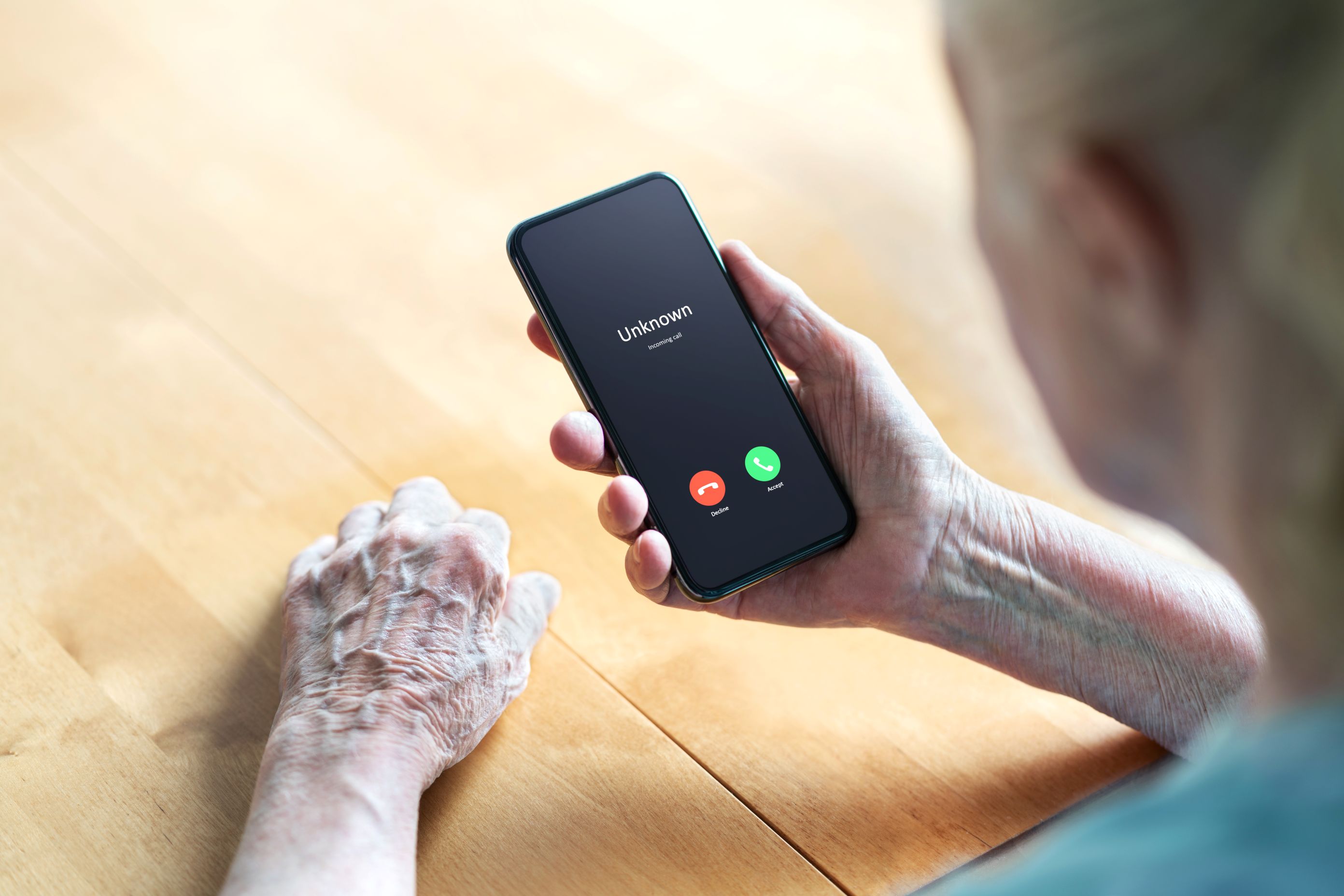
Many seniors are inundated with scam calls, text messages, and emails. The average American receives about 100 scam messages a week, according to Talker Research. As artificial intelligence (AI) improves, these scams are becoming not only more convincing but also more difficult to spot at a glance.
Some phones, email providers, and third-party apps now use AI-powered screening tools to reduce exposure to scams. Examples include:
- call screening features that answer unknown calls, ask questions, and transcribe responses
- spam and phishing filters that flag suspicious emails or messages before they are opened
- scam detection alerts that alert users about likely fraud
These tools don’t eliminate scams entirely, but they can dramatically reduce interruptions and prevent impulsive responses.
Note that AI-generated voice scams, such as calls that imitate a loved one asking for money, can bypass technical defenses. For these situations, experts recommend behavioral safeguards, such as hanging up and calling the person back using a known number.
Enable call screening and spam filtering on phones and email accounts, and consider creating a simple “pause and verify” rule for urgent financial requests.
4. Monitoring and Trusted Oversight Services
For older adults who want extra protection or who already rely on a trusted individual to help with managing finances, comprehensive monitoring services can provide early warnings of suspicious activity.
Some services, such as EverSafe, are specifically designed for seniors and monitor:
- bank and credit card accounts for unusual transactions
- credit reports for unauthorized accounts
- changes to real estate titles or liens
- email accounts for scam or phishing messages
A key feature of many services is the ability to designate a trusted advocate, such as a family member, caregiver, or professional. The older adult controls what information the advocate can see, helping balance oversight with autonomy.
Other identity protection services, while not designed specifically for seniors, may offer:
- credit monitoring
- antivirus software
- scam call detection
- Virtual Private Networks (VPNs)
- built-in password managers
These tools can be particularly helpful as an early warning system when paired with an engaged caregiver.
When considering monitoring services, review costs, privacy settings, and alert options carefully.
Education Still Matters
Technology works best when paired with education. Understanding common scams can help older adults recognize red flags and use protective tools more effectively. The Federal Deposit Insurance Corporation (FDIC) offers free, downloadable resources that explain how to recognize and prevent financial exploitation. These materials can help older adults and caregivers decide which protections to prioritize and when to seek help.
Financial exploitation of older adults is increasingly digital – but prevention can be, too. Practical tools like password managers, 2FA, scam screening, and account monitoring can help reduce risk without sacrificing independence.
No single tool is foolproof, but used together, and combined with education and trusted support, these digital protections can make it significantly harder for scammers or bad actors to succeed.


